A WooCommerce store in Poland can look perfect and still lose sales at the very last step: the customer reaches checkout, doesn’t see BLIK or their bank, and closes the tab. Polish shoppers pay differently from shoppers in Western Europe — cards are not the default here — so the payment gateway you choose has a direct effect on conversion. Here’s how the main options compare in 2026, what they actually cost, and which one fits your store.
For most WooCommerce stores in Poland, the choice comes down to Przelewy24, PayU, Tpay or Autopay — all four offer BLIK, pay-by-link bank transfers and cards in one integration, a WooCommerce plugin and next-day (D+1) payouts. Published BLIK and transfer fees start at roughly 0.79–0.99%, and cards at roughly 1.4% plus a small fixed fee. Stripe is the better fit if you also sell abroad or need subscriptions, but it has no native Polish pay-by-link transfers. Whatever you pick, make sure BLIK is visible at checkout — it accounts for the majority of online payments in Poland.
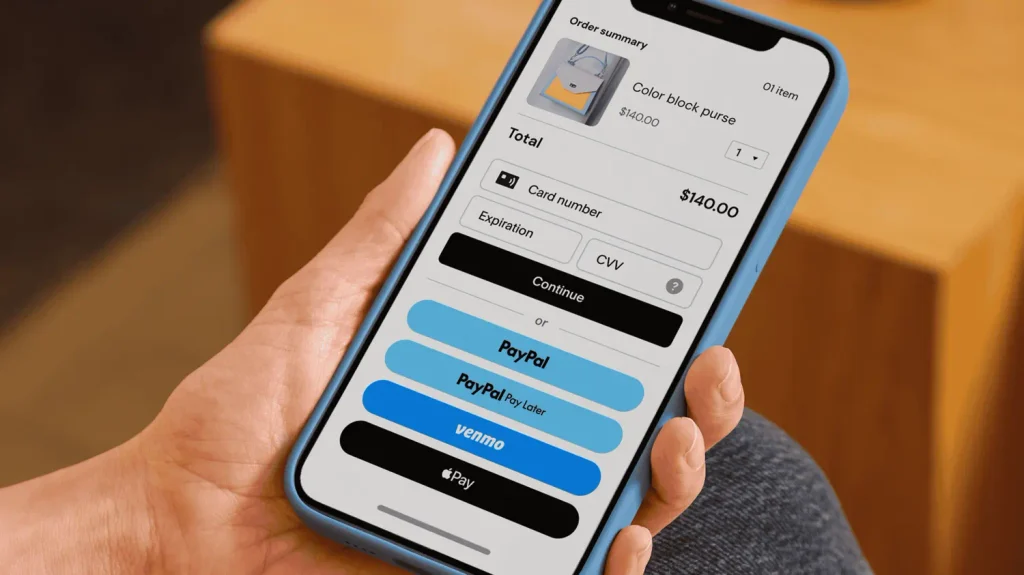
How Polish Customers Actually Pay Online
If you’re used to Western European or US e-commerce, the Polish checkout looks different. These are the methods your store needs to offer:
- BLIK. The customer generates a 6-digit code in their banking app and confirms the payment on their phone — no card details, no redirects to the bank. It’s by far the most popular online payment method in Poland: Stripe puts its share of e-commerce payments at over 65%. A Polish store without BLIK is losing sales.
- Pay-by-link (szybkie przelewy). The customer picks their bank from a list of tiles, logs in and the transfer is pre-filled. Still widely used, especially by older customers and for larger orders.
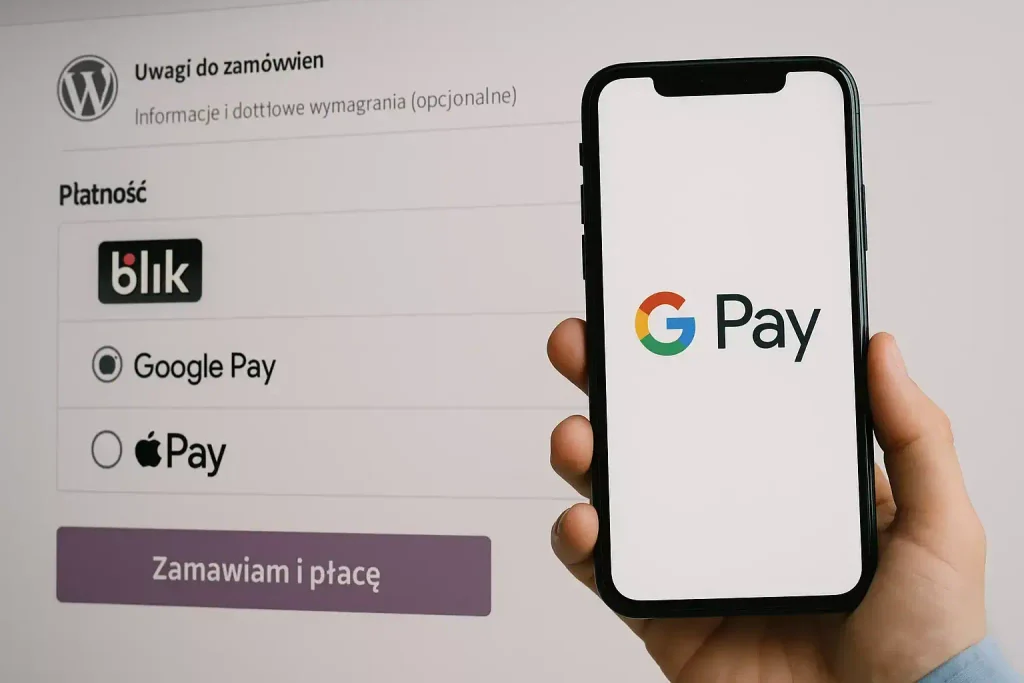
- Cards, Apple Pay and Google Pay. Common, but not the default the way they are in other countries. Important if you sell to foreign customers.
- Buy now, pay later. Services like PayPo and Klarna let customers pay in 30 days or in instalments — useful for higher-value orders such as furniture or electronics.
- Cash on delivery (za pobraniem). Still expected by part of Polish shoppers, especially for first orders from an unknown store. It’s handled by your shipping setup, not the payment gateway.
The good news: the main Polish gateways bundle BLIK, bank transfers, cards and often BNPL into one integration, so you don’t need a separate plugin for each method.

WooCommerce Payment Gateways in Poland Compared
| Gateway | BLIK | Pay-by-link transfers | Cards (EU) | Monthly fee | Payout | WooCommerce plugin |
|---|---|---|---|---|---|---|
| Przelewy24 | from 0.79% (with Pro plan) | from 0.79% | from 1.4% + 0.30 PLN | 0 PLN, or 50 PLN on the Pro plan | D+1 | Official plugin |
| PayU | from 0.99% | from 0.99% | from 1.6% + 0.20 PLN | None (negotiable) | D+1 | Official plugin |
| Tpay | from 0.99% | from 0.99% | from 1.4% | None | D+1 | Official plugin |
| Autopay (Blue Media) | from 0.79% | from 0.79% | from about 1.0–1.5% | None for small stores | D+1 | Official plugin |
| Stripe | 1.4% | Not offered natively (Przelewy24 available as a method) | 1.4% + €0.25 | None | Slower for new Polish accounts (around 7 days) | Official plugin |
These are published starting rates collected in October 2026. Real rates depend on your monthly volume and are often negotiable once a store processes meaningful revenue — it’s worth asking for an offer from two or three providers before signing. Also check the extras: chargeback fees (often 50–100 PLN per case), refund rules, and whether the commission on a refunded payment is returned (usually it isn’t)

What Each Gateway Is Actually Good At
Przelewy24 — The Most Recognised Name
Przelewy24 is one of the best-known payment brands among Polish shoppers, which helps trust at checkout. It covers BLIK, pay-by-link transfers for practically every Polish bank, cards and BNPL via PayPo. Its pricing has a twist: a paid monthly plan lowers the BLIK and transfer commission, so it can be the cheapest option for a store with steady volume — and a slightly more expensive one for a very small store that sells occasionally.
PayU — Strong for Bigger Stores and BNPL
PayU is a large, established player with a strong position among bigger e-commerce businesses. Its advantages are a broad set of payment methods, built-in buy-now-pay-later options and marketplace payouts. Card fees on the standard list are a little higher than competitors, but larger stores usually negotiate individual rates.
Tpay — Simple and Predictable
Tpay offers straightforward pricing with no monthly fee, all the core Polish methods and a well-maintained WooCommerce plugin. It’s a solid default for a small or mid-sized store that wants one predictable rate without choosing between plans.
Autopay (Blue Media) — Low Costs for Small Stores
Autopay, formerly Blue Media, often comes out cheapest for small stores in published comparisons, with low starting rates for BLIK and transfers. It covers the full set of Polish methods and has an official WooCommerce plugin. Worth including in any comparison if keeping costs down is your priority.
Stripe — Best If You Sell Abroad
Stripe has the best developer tools, excellent subscription billing and makes selling in many currencies easy. It supports BLIK and offers Przelewy24 as a method, but it doesn’t have native Polish pay-by-link transfers, payouts can be slower for new Polish accounts, and EUR to PLN conversion adds a spread. It’s the right choice for international stores and subscription businesses; for a purely Polish store, a local gateway is usually cheaper and more familiar to customers.
What About PayPal?
PayPal is useful if many of your customers are abroad, but in Poland it’s a secondary method, not a replacement for BLIK. Add it alongside a Polish gateway if your audience asks for it — never instead of one.
Which Gateway Fits Your Store?
| Your store | Good choice | Why |
|---|---|---|
| New or small store, low monthly volume | Tpay or Autopay | No monthly fee, low starting rates |
| Established store with steady sales | Przelewy24 (paid plan) or a negotiated PayU deal | Lower per-transaction rates pay off at volume |
| Higher-value products (furniture, electronics) | PayU or Przelewy24 | Built-in buy now, pay later options |
| Selling to Poland and abroad | Stripe, plus a Polish gateway or Stripe’s BLIK | Multi-currency and cards for foreign buyers, BLIK for Polish ones |
| Subscriptions or memberships | Stripe | Mature recurring billing |
| Marketplace with multiple sellers | PayU | Split payments and payouts to sellers |
A practical rule: one Polish gateway covering BLIK, transfers and cards is enough for most stores. Adding a second gateway only makes sense if it brings a method the first one lacks — for example Stripe for foreign card payments or PayPal for customers abroad. Every extra gateway is another plugin to update and another dashboard to reconcile.
How to Set Up a Payment Gateway in WooCommerce
- Prepare company details. Providers verify your business before activating payments: NIP, REGON or KRS/CEIDG entry, a business bank account in PLN, the owner’s ID and, for companies, the beneficial owners registered in CRBR. Verification usually takes 1–3 working days.
- Have the legal pages ready. Gateways check your store before approval: terms of service (regulamin) with payment and returns rules, a privacy policy, contact details and visible prices. A missing regulamin is one of the most common reasons for a delayed activation.
- Install the official plugin. Use the gateway’s own WooCommerce plugin from wordpress.org or the provider’s site — not an unofficial one — and keep it updated like any other plugin.
- Test in sandbox mode. Run test payments with BLIK, a transfer and a card, then test a refund. Check that the order status in WooCommerce changes correctly after each payment.
- Make BLIK visible. Show BLIK as a separate, clearly labelled option at checkout — ideally at the top — rather than hiding it inside a generic “online payment” option.
- Go live and watch the first orders. Switch to production keys, place one real low-value order, and check that the payout reaches your account.
Common Mistakes
- Choosing on the card fee alone. In Poland most payments are BLIK and transfers, so their rates matter more than the card rate.
- Hiding BLIK behind a redirect. Customers who don’t see BLIK on the checkout page often assume it’s not available.
- Forgetting mobile. Most BLIK payments happen on phones — test the whole checkout on a phone, not just a laptop.
- Stacking gateways. Three gateways with overlapping methods confuse customers and make accounting harder.
- Ignoring refund and chargeback costs. Read the full price list, not just the headline commission.
Frequently Asked Questions
What is the best payment gateway for WooCommerce in Poland?
There’s no single winner. For a small store, Tpay or Autopay are simple and cheap to start; for a store with steady volume, Przelewy24’s paid plan or a negotiated PayU deal is often cheaper; for international sales or subscriptions, Stripe. All of them support BLIK.
How do I add BLIK to WooCommerce?
Install the WooCommerce plugin of a gateway that supports BLIK — Przelewy24, PayU, Tpay, Autopay or Stripe — and enable BLIK as a separate payment method in its settings.
How much do payment gateways charge in Poland?
Published starting rates are roughly 0.79–0.99% for BLIK and bank transfers and about 1.4% plus a small fixed fee for EU cards. Larger stores can usually negotiate lower rates.
Do I need a Polish company to use these gateways?
Polish gateways expect a business registered in Poland with a PLN bank account. Foreign businesses selling to Poland usually start with Stripe, which supports BLIK and Przelewy24 for Polish customers.
How fast do I get the money?
Polish gateways typically pay out the next working day (D+1). Stripe payouts for new Polish accounts can take around a week at first.
The Bottom Line
In Poland, the payment gateway is part of conversion, not just accounting. Pick one Polish gateway that covers BLIK, bank transfers and cards, put BLIK front and centre at checkout, and compare real offers based on your expected volume rather than headline card fees. Add Stripe or PayPal only if you sell abroad.
Building or improving a store for Polish customers? We set up WooCommerce stores with the right payments, shipping and invoicing from day one — see our WooCommerce & Online Stores service, check How Much Does a WooCommerce Website Cost in 2026, or get in touch.

Builds and hosts WordPress sites for small businesses. Writes about the practical side of running a website — cost, speed, and what's actually worth paying for.